
In a nutshell
MCP stands for “Model Context Protocol” — a protocol for providing additional context and capabilities to AI models.
How it works
flowchart LR
  subgraph Host["🤖 AI Host (VS Code / Copilot CLI, etc.)"]
    APP[Copilot]
    CL1[MCP Client]
    CL2[MCP Client]
    CL3[MCP Client]
    CL4[MCP Client]
    CL5[MCP Client]
  end
  subgraph MCP["🔌 MCP Layer (1 Client ⇄ 1 Server)"]
    SLs[Work IQ MCP Server]
    JRs[GitHub MCP Server]
    FSs[Playwright MCP Server]
    PWs[Context7 MCP Server]
    APIs[Salesforce MCP Server]
  end
  subgraph Tools["🛠️ External Tools"]
    SL[Work IQ]
    JR[GitHub]
    FS[Playwright]
    PW[Context7]
    API[Salesforce]
  end
  APP --- CL1
  APP --- CL2
  APP --- CL3
  APP --- CL4
  APP --- CL5
  CL1 <-->|stdio| SLs
  CL2 <-->|HTTP| JRs
  CL3 <-->|stdio| FSs
  CL4 <-->|stdio| PWs
  CL5 <-->|stdio| APIs
  SLs <-->|API| SL
  JRs <-->|API| JR
  FSs <-->|API| FS
  PWs <-->|API| PW
  APIs <-->|API| API

  classDef host fill:#0a0e27,stroke:#00f0ff,color:#00f0ff,stroke-width:2px
  classDef proto fill:#1a0a2e,stroke:#ffb000,color:#ffb000,stroke-width:2px
  classDef tool fill:#0a1a14,stroke:#9bbc0f,color:#9bbc0f,stroke-width:2px
  class APP,CL1,CL2,CL3,CL4,CL5 host
  class SLs,JRs,FSs,PWs,APIs proto
  class SL,JR,FS,PW,API tool
Why does it matter?
Three values MCP brings:
- 🧩 Extensibility: Make Copilot a single entry point for operating any external tool.
- Read and write requirements (Jira)
- Create designs (Figma)
- Generate and print 3D designs (Blender + 3D printer)
- Check and edit email and calendar (Work IQ)
- Connect to internal databases for analysis
- 🔗 Workflow integration: No more custom glue code between individual tools — Copilot acts as a hub spanning multiple systems.
- 🌐 Broad ecosystem support: MCP is an open protocol that is rapidly becoming the de facto standard. AI assistants, development tools like Visual Studio, and many other applications already support MCP — build once, connect anywhere. Perfectly suited for coding integrations.
Where does it run?
There are two ways to run an MCP server.
- With the stdio method, VS Code launches the MCP server as a child process on your local machine.
- With the HTTP method (SSE / streamable-http), the MCP server runs in the cloud or on a remote server, and VS Code simply connects as a client.
Choose based on your use case and security requirements.
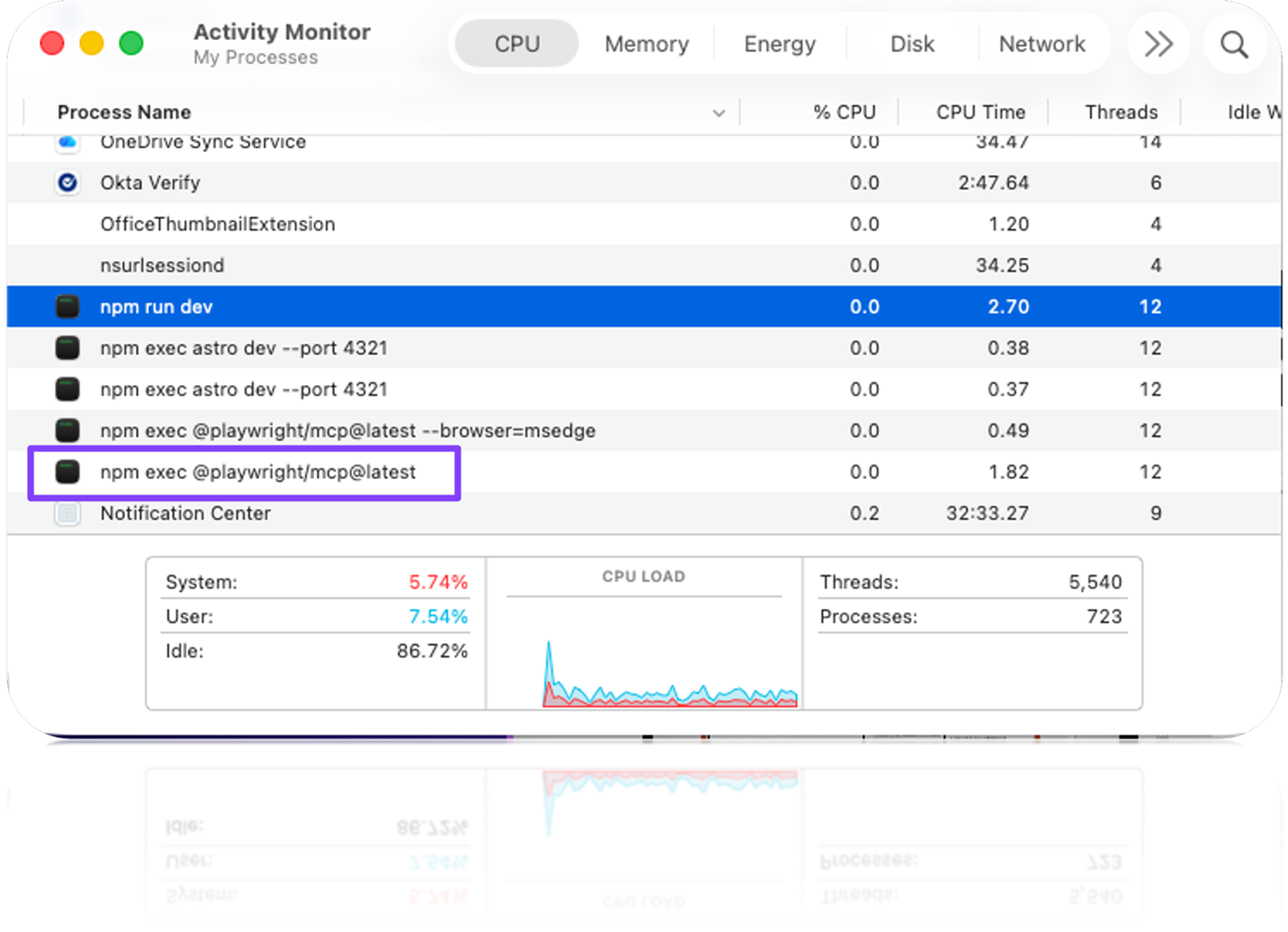
npm execConfiguration in VS Code
When installing an MCP server from the Marketplace in VS Code, you can choose between two scopes:
Install→ Added to your personal settings file (User Settings)Install Workspace→ Added to the repository settings file (.vscode/mcp.json)
.vscode/mcp.json
▸ Shared with repo
Included in Git, so the whole team shares the same MCP setup. When a member clones the repo, VS Code asks "Would you like to enable it?".
User Settings
▸ Your machine only
For personal use or when you want the same setup across all projects. Not included in Git.
- 📁 Mac:
~/.config/Code/User/settings.json - 🪟 Windows:
%APPDATA%\Code\User\settings.json
Getting started with Copilot CLI
# Add an MCP server
copilot mcp add <server-name>

# List existing servers
copilot mcp list
The GitHub official MCP server is connected out of the box. AI can operate Issues, PRs, Actions, and Code search just like running gh commands.
modelcontextprotocol/registry hosts many official and community-built servers (filesystem / postgres / slack / puppeteer / playwright / Figma…).
What is the MCP Registry
The MCP Registry is an open registry that lists MCP servers from across the ecosystem — and you can stand up your own registry too.
| Aspect | 🌐 MCP Registry | 🐙 GitHub MCP Registry |
|---|---|---|
| Maintainer | MCP Working Group | GitHub |
| Contents | All official + community servers (~13,238 as of 2026-06-23) | A curated list (~100) |
| Default in | — | VS Code ↗ & more |
| URL | registry.modelcontextprotocol.io ↗ | github.com/mcp ↗ |
🛠️ Build your own registry to extend or narrow the list of allowed servers. 🛡️ Enforce it at the organization / enterprise level (allowlist enforcement).
Build your own MCP Registry
Two hosting options — both can be consumed and enforced from VS Code / Org / Enterprise (⚠️ note: enforcement applies only to the user’s active (currently used) license).
Self-hosted
▸ Full control
Deploy the OSS modelcontextprotocol/registry ↗ (a Go service) on your own infra. Officially maintained by the MCP Working Group.
Azure API Center
▸ Managed
Register & publish MCP servers in Azure API Center ↗ — no infra to manage.
Point clients at it
- GitHub Org / Enterprise: configure the registry ↗ and enforce via allowlist ↗
Keeping internal servers private
The catalog is public — what you protect is the source (distribution). A server registered in Azure API Center is visible to anyone who can reach the catalog, but only its metadata is exposed. The actual download / connection is gated separately.
flowchart LR
  DEV["👤 Developer<br/>VS Code / Copilot<br/>opens @mcp"]
  AC["🌐 Azure API Center<br/>catalog = public<br/>metadata only (no code)"]
  STDIO["◆ stdio → 🔒 private registry<br/>GitHub Packages / GHCR / Azure Artifacts<br/>auth token required"]
  HTTP["◆ HTTP → 🏢 internal net / VPN<br/>unreachable from public internet<br/>SSO / network auth in front"]
  EMP1["✅ Employee pulls"]
  OUT1["⛔ Outsider → 401"]
  EMP2["✅ Employee connects"]
  OUT2["⛔ Outsider → blocked"]
  DEV --> AC
  AC -->|package ref| STDIO
  AC -->|remote URL| HTTP
  STDIO --> EMP1
  STDIO --> OUT1
  HTTP --> EMP2
  HTTP --> OUT2

  classDef dev fill:#0a0e27,stroke:#00f0ff,color:#00f0ff,stroke-width:2px
  classDef cat fill:#1a0a2e,stroke:#ffb000,color:#ffb000,stroke-width:2px
  classDef stdio fill:#0a0e27,stroke:#00f0ff,color:#00f0ff,stroke-width:2px
  classDef http fill:#1a0a2e,stroke:#ff2e97,color:#ff2e97,stroke-width:2px
  classDef ok fill:#0a1a14,stroke:#9bbc0f,color:#9bbc0f,stroke-width:2px
  classDef deny fill:#2a0a0a,stroke:#ff5555,color:#ff5555,stroke-width:2px
  class DEV dev
  class AC cat
  class STDIO stdio
  class HTTP http
  class EMP1,EMP2 ok
  class OUT1,OUT2 deny
✅ The catalog only points to the source. Protect the source → only authenticated employees can run it.
Trying an MCP Registry locally
🧪 These are personal notes, not a manual. An AI summary of the flow that actually worked for me — just to give a rough idea. Your mileage will vary.
The flow to stand up a registry locally, expose it over HTTPS, connect it to my Org, and seed it from the GitHub MCP Registry.
- Fork & clone —
gh repo fork modelcontextprotocol/registry --clone - Run in Docker —
docker compose up→ API onlocalhost:8080(initial DB has only the demo seed) - HTTPS tunnel —
cloudflared tunnel --url http://localhost:8080→https://<random>.trycloudflare.com - Connect — set the tunnel URL as MCP Registry URL (no
/v0.1/serverssuffix — Copilot appends it). Org: Settings → Copilot → Policies → MCP; Enterprise: AI controls → MCP - Reload VS Code & verify — Developer: Reload Window →
@mcpshows only the servers from my registry. OpenCmd + ,(Settings) and confirm the MCP settings carry a “managed by your organization” badge (= the Org policy is applied) - Seed from the GitHub Registry —
go run scripts/mirror_data/fetch_production_data.go+load_production_data.go(source:https://registry.modelcontextprotocol.io/v0/servers)
⚠️ Make sure VS Code uses this Org’s Copilot license (a different account / personal plan won’t get the Org policy). The
mirror_datascripts are as-is — filter them down to the servers you actually want to allow.